

Free Authoritative Voice Generator: Confident, Credible & Clear Text to Speech Voices
Discover the best Authoritative AI Voice Generator and Text to Speech tool! FineVoice turns a pasted script into a steady, credible read you can fine-tune with pitch, pace and emphasis controls, then export as MP3 or WAV. It covers 154+ languages and accents, and you can also clone a presenter voice so every episode of a briefing series sounds like the same person. Built for corporate explainers, policy updates, training modules and documentary narration.
文字转语音历史记录
示例:

设置
AI语音

- Voice Name
- 0 使用次数
免费创建您的AI语音。
模型
 FineVoice TTS Max
Instantly Create Authoritative Voiceovers
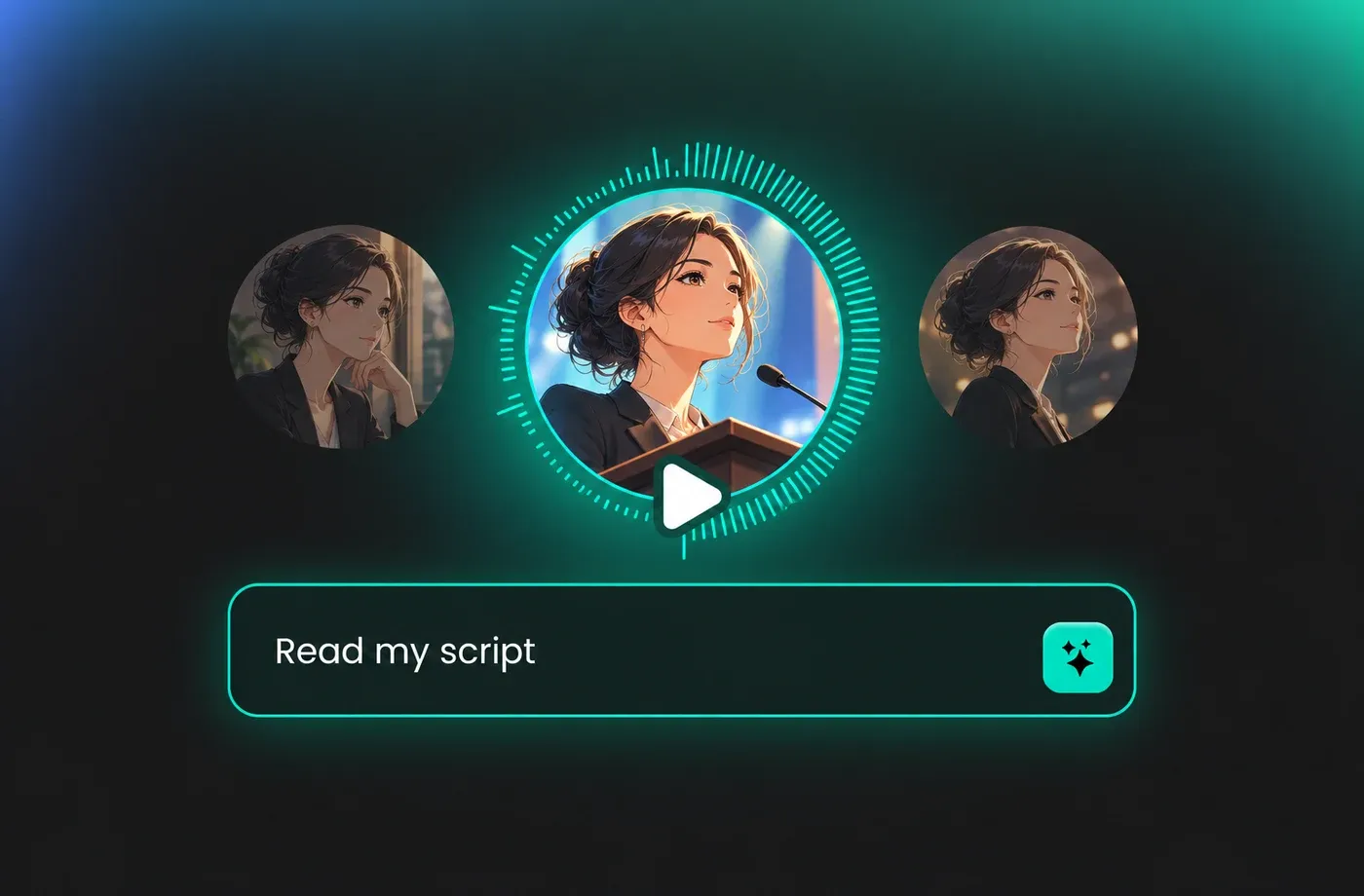
An authoritative voiceover begins with a script you already have: paste it into FineVoice and a complete read is rendered in seconds, with no recording session and no microphone setup. Set pitch, speaking rate and pauses before you export, so figures and closing statements land with the weight they need. Files download as MP3 or WAV straight from FineVoice.
Text to Speech Authoritative Voices
The text to speech engine reads numbers, dates and abbreviations the way a presenter would, which keeps compliance and financial copy from sounding robotic. You can assign emotion and pace per project rather than per sentence, so a single script keeps one consistent tone from opening to sign-off. Browse the voice library and audition candidates at authoritative voices before committing.
Tune Pitch and Pace for Credible Delivery
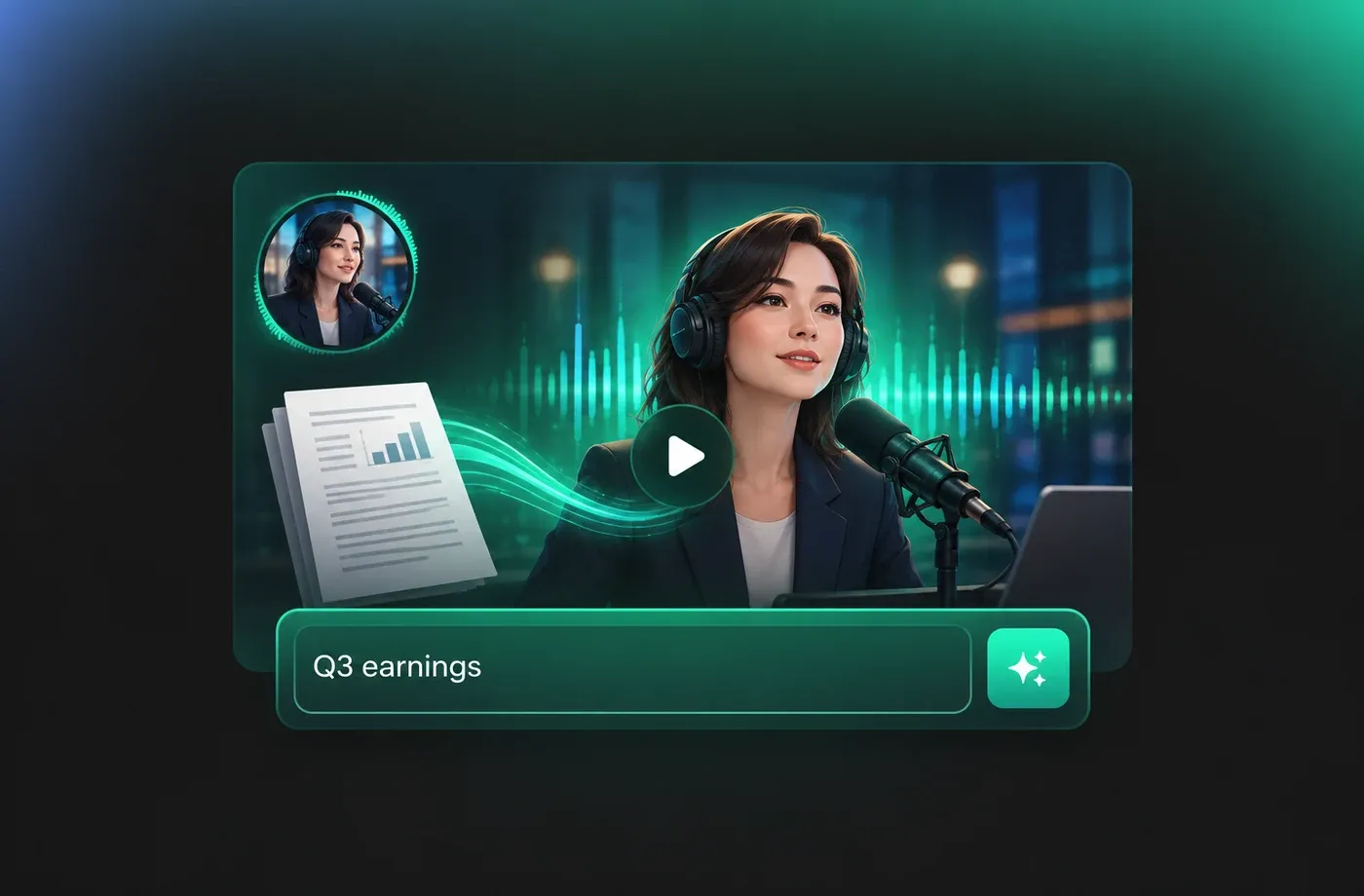
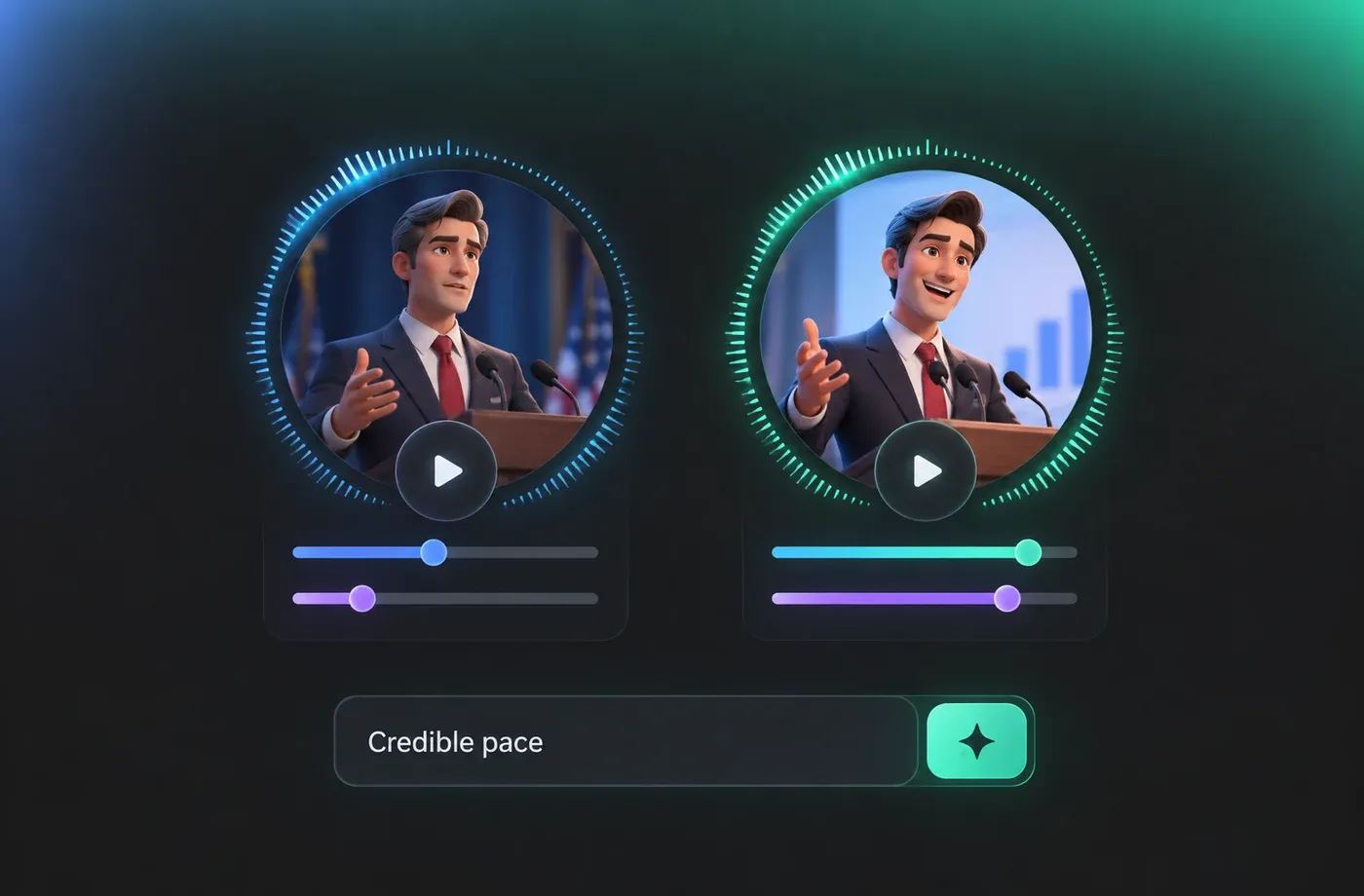
Credibility is mostly pacing: FineVoice lets you slow the rate for policy language and tighten it for product explainers without re-recording anything. Pitch and emphasis sliders let you pull a voice down into a lower, calmer register or lift it for a brighter read. All of these adjustments run in the browser, so nothing needs to be installed on the machine.
Clone a Presenter Voice and Keep It Consistent
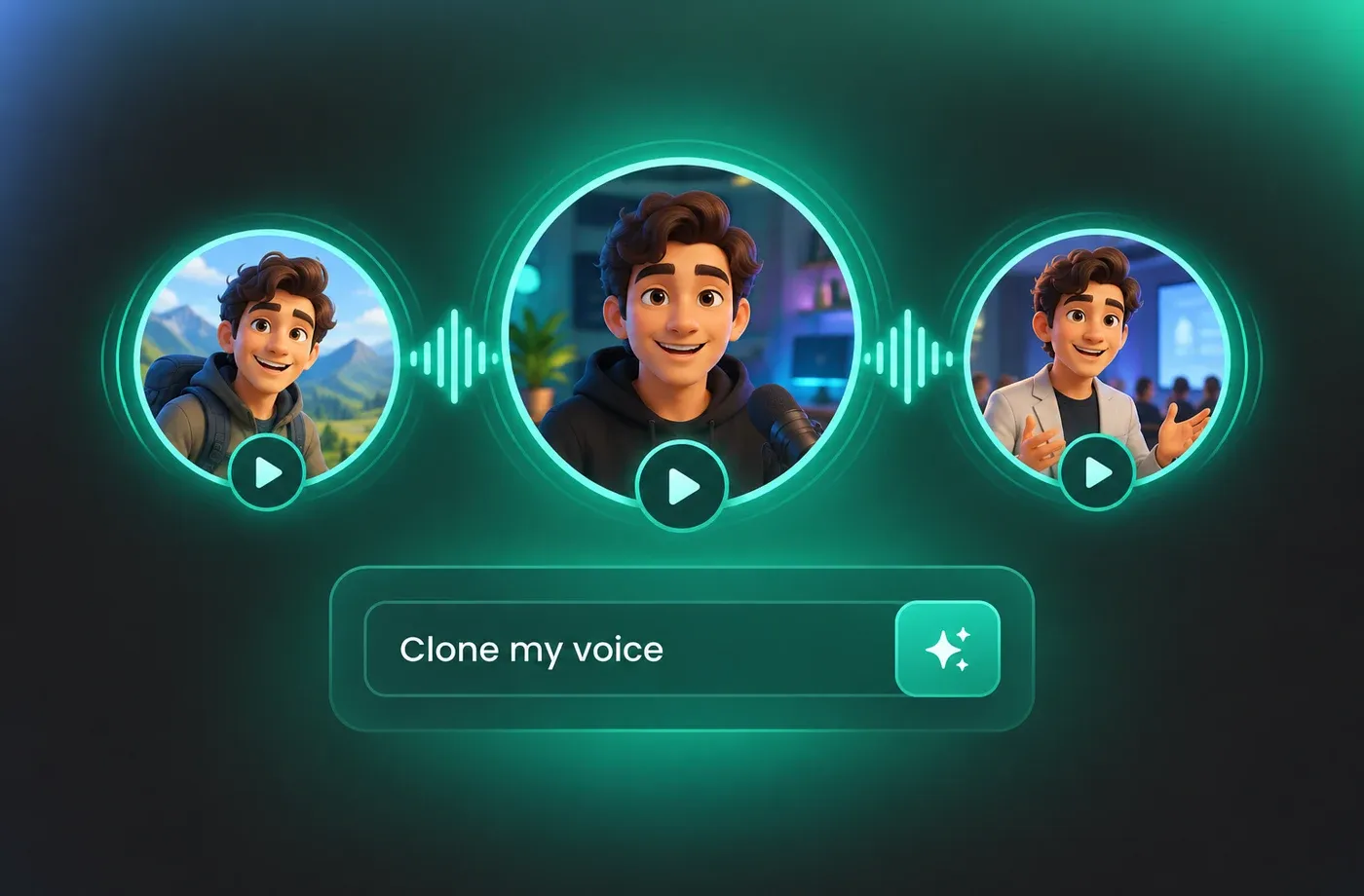
If your organisation already has a trusted narrator, voice cloning captures that timbre and cadence so new scripts sound like the same speaker. Reuse the cloned profile across a whole training series or a weekly briefing, and pair it with different pitch and pace settings for different audiences. Scripts in 154+ languages and accents can be delivered with the same cloned voice.
How to Use AI Voices for Authoritative Voice Generator
Paste your script, pick an authoritative voice, adjust pitch and pace, then preview and download the finished narration as MP3 or WAV — all in the browser.
1

Step 1: Paste the Script You Want Narrated
Drop your text into the editor — a policy paragraph, a product walkthrough or a full documentary segment. Numbers, dates and abbreviations are read as written, so check them before rendering.
2

Step 2: Pick an Authoritative Voice and Shape the Delivery
Audition voices from the library, then set pitch, speaking rate and emotion so the read stays calm and firm. Lower the rate slightly for formal copy and raise emphasis on key figures.
3

Step 3: Preview and Download as MP3 or WAV
Listen to the full render in the browser, adjust anything that sounds rushed, then export MP3 for review or WAV for editing. Re-render any time your script changes.
t0529.tools.voiceCategory.moreThan












Explore More Voice Categories
FAQs About Authoritative AI Voice Generator
1. What is an authoritative voice generator?
An authoritative voice generator is a text to speech tool that produces a steady, credible narration style — even pacing, clean articulation and firm sentence endings — instead of an exaggerated or theatrical read. FineVoice applies that style to any script you paste in and lets you refine pitch, speed and emphasis before export.
2. How do I make a text to speech voice sound authoritative?
3. Can I adjust pitch and speaking rate for an authoritative voice?
4. Which languages does the authoritative voice generator support?
5. Can I download the narration as MP3 or WAV?
6. Can I clone my own voice for consistent authoritative narration?
7. What is an authoritative voice best used for?
8. Do I need to install software to use the voice generator?
 FineVoice
Start Creating with AI Authoritative Voices
Turn your next script into a calm, credible narration with a free authoritative AI voice generator that handles pitch, pace and emphasis in the browser. Export MP3 or WAV when it sounds right.
