

Free Commanding Voice Generator: Authoritative & Confident Text to Speech Voices
Discover the best Commanding AI Voice Generator and Text to Speech tool! FineVoice turns your script into an authoritative, self-assured delivery with adjustable pitch, pace, and emotion, then exports MP3 or WAV in seconds. Browse the commanding voice library to hear grounded male and clear female narrations before you generate.
文字转语音历史记录
示例:

设置
AI语音

- Voice Name
- 0 使用次数
免费创建您的AI语音。
模型
 FineVoice TTS Max
Instantly Create Commanding Voiceovers
Paste a script and the commanding voice generator returns a finished read in seconds, with the low-end weight and steady pacing that make an announcement sound decisive. You can preview several takes and keep the one that lands best before downloading. Start from the commanding voice collection to compare timbres side by side.
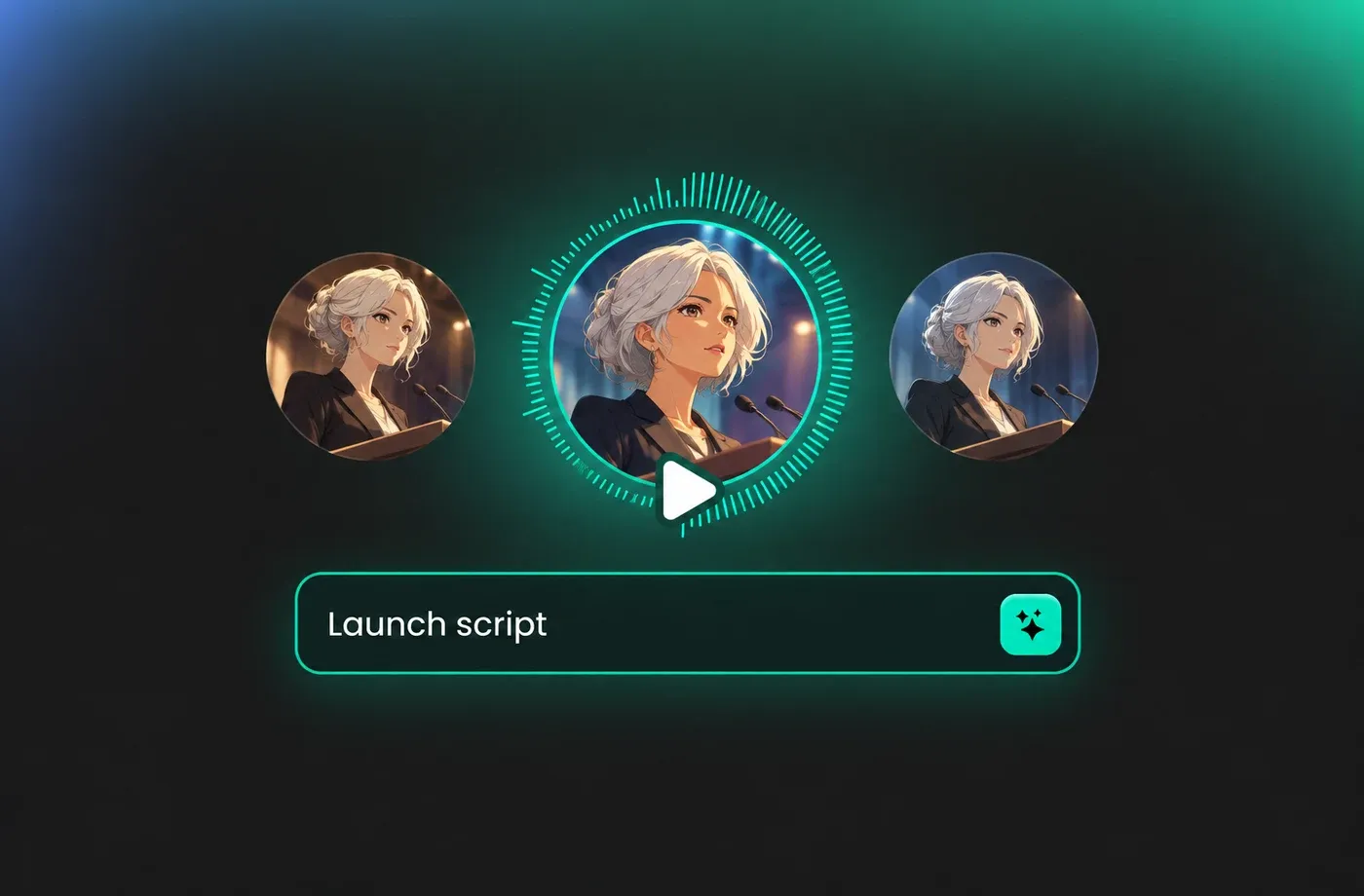
Text to Speech Commanding Voices
The text to speech engine reads your copy exactly as written, so product names, figures, and legal lines stay intact while the delivery stays firm. Switch between male and female commanding voice options without re-recording anything. Try it directly at FineVoice Text to Speech.
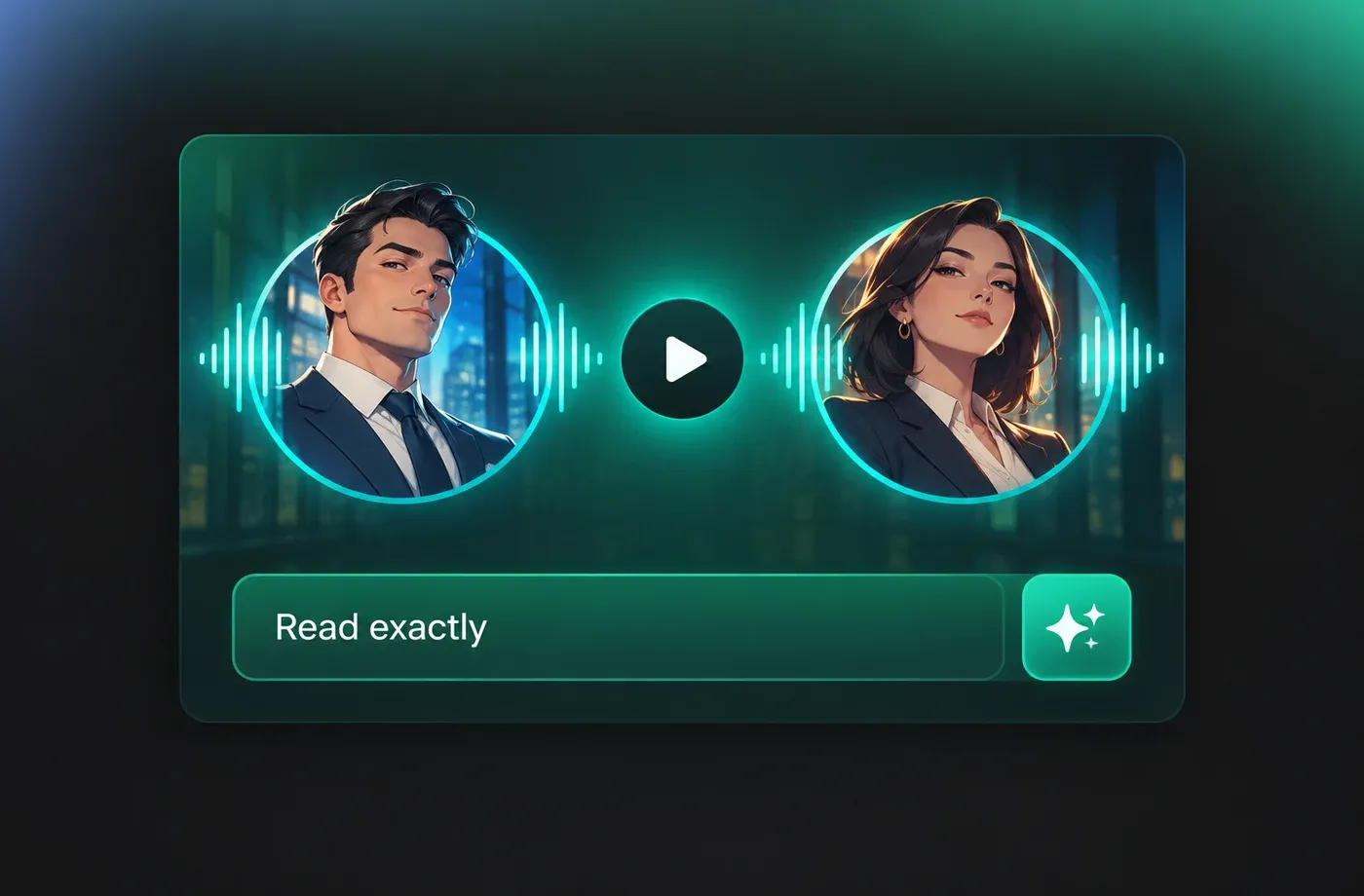
Adjust Tone, Pace, and Emphasis
Pitch, speed, and emotion controls let you dial a commanding voice from calm and steady to sharp and urgent depending on the scene. Slowing the pace adds gravity to a key line, while a small pitch drop thickens the opening statement. All adjustments run in the browser at finevoice.ai with nothing to install.

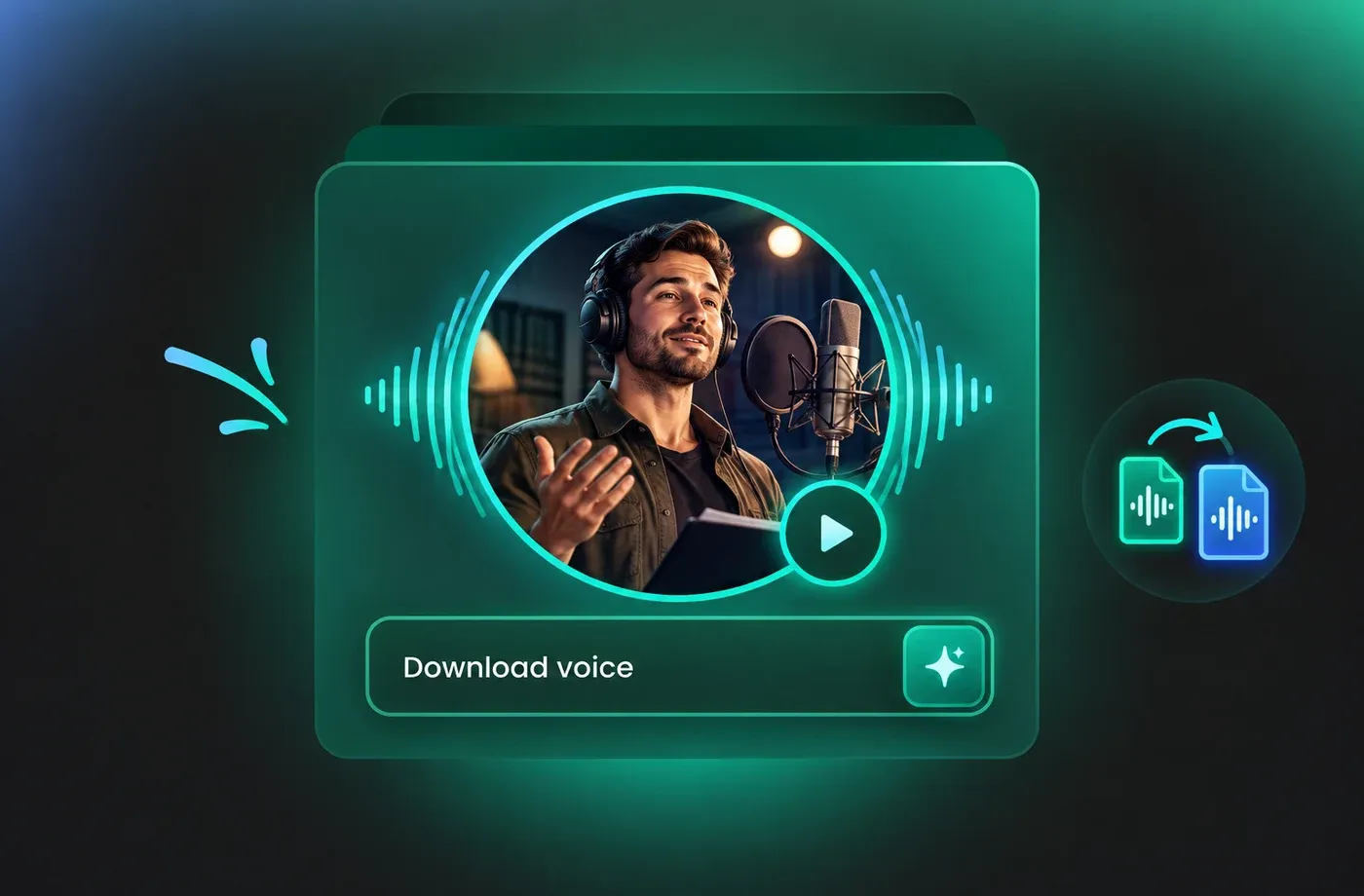
Download Commanding Voice Audio in MP3 or WAV
Export finished narration as MP3 for quick sharing or WAV for editing, then drop it straight into a video timeline or e-learning module. The generator covers 154+ languages and accents, so a commanding voice stays consistent across localized versions of the same script. Explore more styles in the AI voice library.
How to Use AI Voices for Commanding Voice Generator
Write or paste your script, pick a commanding voice, fine-tune pitch and pace, then generate and download studio-ready audio in your browser.
1

Step 1: Add Your Script
Type or paste the lines you want narrated into the text to speech editor. Punctuation guides the pauses, so place a period or comma where you want the commanding voice to slow down or land harder.
2

Step 2: Pick and Shape a Commanding Voice
Browse the voice library, choose a deep male or clear female option, then adjust pitch, speed, and emotion until the delivery sounds firm and controlled. Preview each change instantly.
3

Step 3: Generate and Download
Press the generate button and the AI voice generator produces the full read in seconds. Listen once, then export as MP3 or WAV and drop the file into your edit.
t0529.tools.voiceCategory.moreThan












Explore More Voice Categories
FAQs About Commanding AI Voice Generator
1. What is a commanding voice generator?
A commanding voice generator converts written text into spoken audio delivered with weight, steadiness, and clear authority. With this AI voice generator you type a script, choose a deep male or clear female option, and get finished narration without booking a studio.
2. How do I generate a commanding AI voice from text?
3. Can I change pitch and speed for a more authoritative delivery?
4. Which languages does the commanding voice text to speech support?
5. What audio formats can I download?
6. Do I need to install software to use this voice generator?
7. Where is a commanding voice most useful?
8. Can I match a commanding voice to my existing brand narration?
 FineVoice
Start Creating with AI Commanding Voices
Turn your next announcement, training module, or promo into audio that sounds decisive. Open the commanding voice generator, paste your script, and download a finished read in MP3 or WAV within minutes.
